Name the incident
Find the named call in the emergency directory and read the objectives in your session.
Know the call. Check your gear. Follow the evidence.
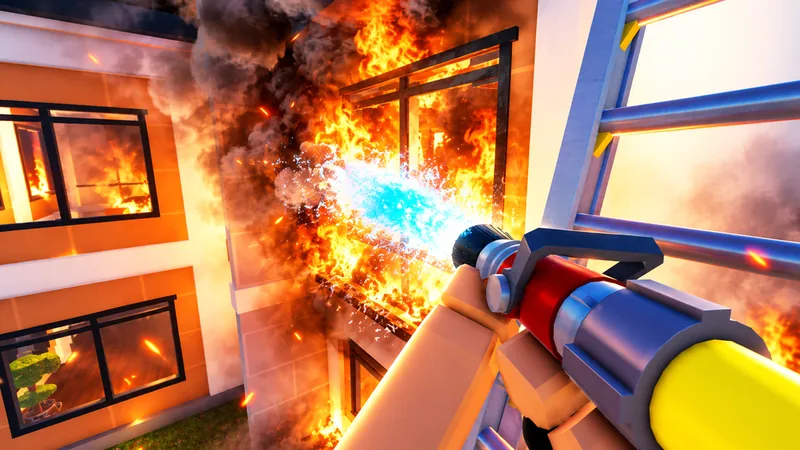
Firefighting Sim is Blackbox Express's Roblox firefighting game set in Oak Ridge. Answer emergency calls, drive fire apparatus, fight fires and search for victims. This independent wiki connects the officially described features with focused guides and browsing tools.
Independent fan wiki. Official promotional images are credited to the game; unverified values stay unknown.
Go straight to a vehicle category, call type, equipment question or progression milestone.
Sources for these four task guides were checked on October 6, 2026. Review dates describe the wiki's evidence checks, not game patch dates.
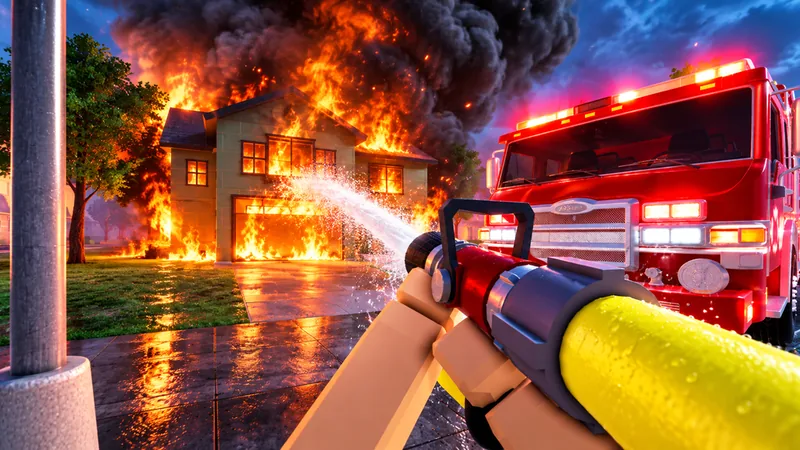
Follow the described Firefighting Sim call loop: check the incident, choose an available vehicle, use equipment, search for victims and read completion feedback.
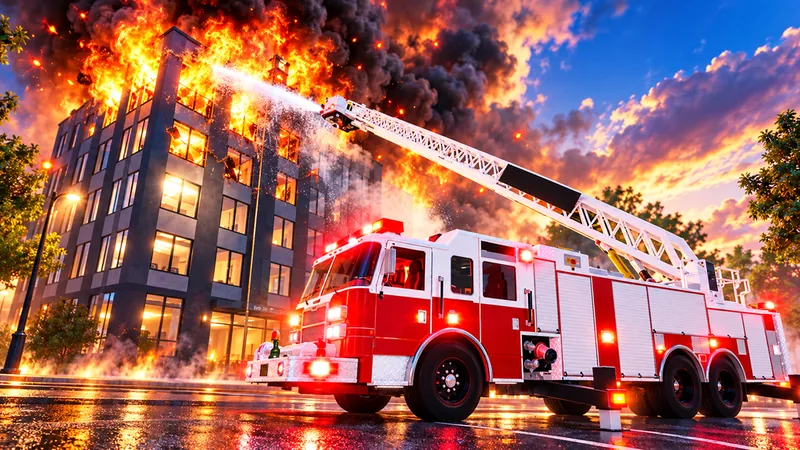
Filter Firefighting Sim's officially named vehicle categories and check which roster, price, unlock and performance details remain unconfirmed.
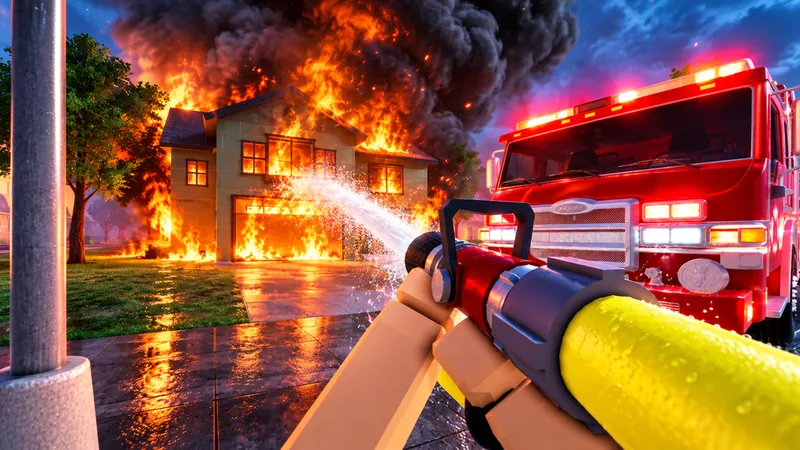
Filter eight supported Firefighting Sim call names by building, outdoor or transport group, and find the two official Update 1 additions.
Read Firefighting Sim's seven official badge conditions for calls, living rescued victims and consecutive login days, separately from rank XP.
Start a call, browse vehicles, find an emergency, or understand a badge condition.
Follow the described Firefighting Sim call loop: check the incident, choose an available vehicle, use equipment, search for victims and read completion feedback.
Filter Firefighting Sim's officially named vehicle categories and check which roster, price, unlock and performance details remain unconfirmed.
Filter eight supported Firefighting Sim call names by building, outdoor or transport group, and find the two official Update 1 additions.
Read Firefighting Sim's seven official badge conditions for calls, living rescued victims and consecutive login days, separately from rank XP.
This reading checklist follows the officially described loop. It does not replace the controls and objectives displayed in your game session.
First-session goalUnderstand one complete emergency call and its result before comparing unlocks.
Identify the call type and read the objectives shown in your session. The official description confirms emergency calls; exact dispatch controls are not yet verified.
Use the vehicle menu to check what you can access. The wiki confirms six advertised categories; prices and unlock conditions remain unknown.
The official loop takes your crew through Oak Ridge to fires and rescues. Follow the current call rather than an assumed map location.
Hose lines, ladders, forced entry and masking in smoke are described features. Check the displayed interaction before using a tool.
Search and rescue is part of the described loop. The Lifesaver badge specifically concerns carrying a victim out alive; its control is not established here.
Calls are graded and badges provide separate milestones. Check the result screen; do not infer an XP formula from a badge target.
A named tool is confirmed to exist; its current interaction still needs the live prompt.
Read equipment overviewThe official Update 1 event is labelled released as reviewed on October 6, 2026. It announces seven vehicles, one ladder-engine livery, four tools and the Chief role; the individual vehicle and tool names are not given.
Read update details and sourcesTree Blocking Roadway and Fire at Gas Station are explicitly named. Update 2 is an upcoming announcement, not a confirmed live change at this review date.
Additions are counted in the announcement; this is not an independently verified complete roster.
The announcement describes entering calls, making PA announcements and assigning a Deputy Chief. Access requirements are unknown.
An event's scheduled start is separate from the exact time a game patch went live.
The official description supports feature names. Event notes support announced additions. Badge descriptions support badge targets. None supplies a complete truck-performance ranking.
The advertised 20+ figure is not a complete verified roster.
Browse the names, then read your session's objectives.
Update 1's four new tools are not individually named.
Do not convert a call-count badge into a rank requirement.
Browse the six categories named in the official description. The directory uses categories rather than unverified truck-model names.
Listed in the official Firefighting Sim description. This row represents a category, not a single truck model.
Fire apparatus
Category is included in the advertised vehicle lineup.
Individual model, current price, rank requirement and equipment: not confirmed.
Listed in the official Firefighting Sim description. This row represents a category, not a single truck model.
Fire apparatus
Category is included in the advertised vehicle lineup.
Individual model, current price, rank requirement and equipment: not confirmed.
Listed in the official Firefighting Sim description. This row represents a category, not a single truck model.
Fire apparatus
Category is included in the advertised vehicle lineup.
Individual model, current price, rank requirement and equipment: not confirmed.
Listed in the official Firefighting Sim description. This row represents a category, not a single truck model.
Fire apparatus
Category is included in the advertised vehicle lineup.
Individual model, current price, rank requirement and equipment: not confirmed.
Listed in the official Firefighting Sim description. This row represents a category, not a single truck model.
Rescue and command
Category is included in the advertised vehicle lineup.
Individual model, current price, rank requirement and equipment: not confirmed.
Listed in the official Firefighting Sim description. This row represents a category, not a single truck model.
Rescue and command
Category is included in the advertised vehicle lineup.
Individual model, current price, rank requirement and equipment: not confirmed.
Filter the eight supported call names by an editorial browsing group or the Update 1 announcement. Groups are navigation aids; equipment and vehicle matches remain unconfirmed.
| Apartment Fires | Buildings | Official game description · reviewed 2026-10-06 |
|---|---|---|
| Brush Fires | Outdoors | Official game description · reviewed 2026-10-06 |
| Car Fires | Transport | Official game description · reviewed 2026-10-06 |
| Fire at Gas Station | Buildings | Official Update 1 announcement · reviewed 2026-10-06 |
| House Fires | Buildings | Official game description · reviewed 2026-10-06 |
| Office Fires | Buildings | Official game description · reviewed 2026-10-06 |
| Plane Crashes | Transport | Official game description · reviewed 2026-10-06 |
| Tree Blocking Roadway | Outdoors | Official Update 1 announcement · reviewed 2026-10-06 |
These are practical reading checks based on the official game loop. The live prompts determine the task and interaction.
Find the named call in the emergency directory and read the objectives in your session.
Confirm the vehicle or tool is available to you before planning around it.
Firefighting and rescue are described features; each incident can require different actions.
Follow the visible objectives.
Use the current vehicle and equipment prompts.
Return to the appropriate guide.
Treat an unknown key, requirement or reward as unknown.
You know the current objective and which requirement still needs checking.
Start with the part of the call or progression system you cannot identify yet.
Use the finder to browse the developer's named call types.
Possible causeA name alone does not specify the current objectives or loadout.
Ranks, badges and the Chief role describe different systems.
Possible causeA badge condition is not evidence of a rank's XP requirement.
Use the current result to decide whether you need call knowledge, equipment help or a progression milestone.
The official game loop connects emergency calls with driving through Oak Ridge.
Read the incident and current objectives.
Confirm your available vehicle and equipment.
Follow the current game directions.
Hose work, forced entry, ladders and victim searches are officially described features. Exact controls and required loadouts remain unverified.
The game describes graded calls, badges and daily challenges. This wiki does not calculate their unverified reward or XP formulas.
Use the finder to identify the next incident.
Read a published condition before treating it as a goal.
Take one question from the current session to the relevant guide.
These creator videos show Blackbox Express's Roblox experience. Card covers are credited official promotional artwork; footage and live prompts provide the gameplay context.
Firefighting Sim is Blackbox Express's Roblox game set in Oak Ridge. Its official description covers answering emergency calls, driving fire apparatus, fighting fires in first person and searching for victims with a crew.
The official description, reviewed October 6, 2026, advertises 20+ vehicles and names fire engines, ladder towers, tankers, brush trucks, rescue ambulances and chief cars. Exact models, a complete current total and their statistics are not yet verified.
The finder includes house, apartment, office, brush and car fires, plane crashes, and Update 1's Tree Blocking Roadway and Fire at Gas Station. The names come from the official description and Update 1 announcement; finder groups are editorial navigation labels.
The game describes progression from Recruit toward Fire Chief. The full intermediate rank order and XP requirements are not yet verified. Official badge conditions and the announced Chief role are separate from rank requirements.
Firefighting Sim Wiki is an independent fan resource. Blackbox Express develops the game, and Roblox hosts the experience. Official game and developer pages remain the sources for changing gameplay and announcements.
They filter and sort supported emergency names and vehicle categories. They do not calculate prices, rewards, vehicle performance or rank XP. Those values remain unknown until reliable game data supports them.